Peekaping docs
Uptime monitoring you run on your own server. Check websites, APIs, databases and queues, get alerts where your team already talks, and publish status pages.
Start here
One container, SQLite, no Redis. Up and running in a minute.
Single mode or cluster mode, and how to pick between them.
Run cluster mode on Kubernetes with the Helm chart.
How the API server, probes and storage fit together.
Embed live status and uptime badges in READMEs and sites.
Set up a local environment and contribute.
Peekaping is in beta and under active development. Some features may be incomplete or change, so test it outside production first. Please report any issues you find: your feedback is what makes Peekaping production-ready.
Key features
HTTP/HTTPS, TCP ports, ping (ICMP), DNS, push heartbeats to a generated URL, and Docker containers.
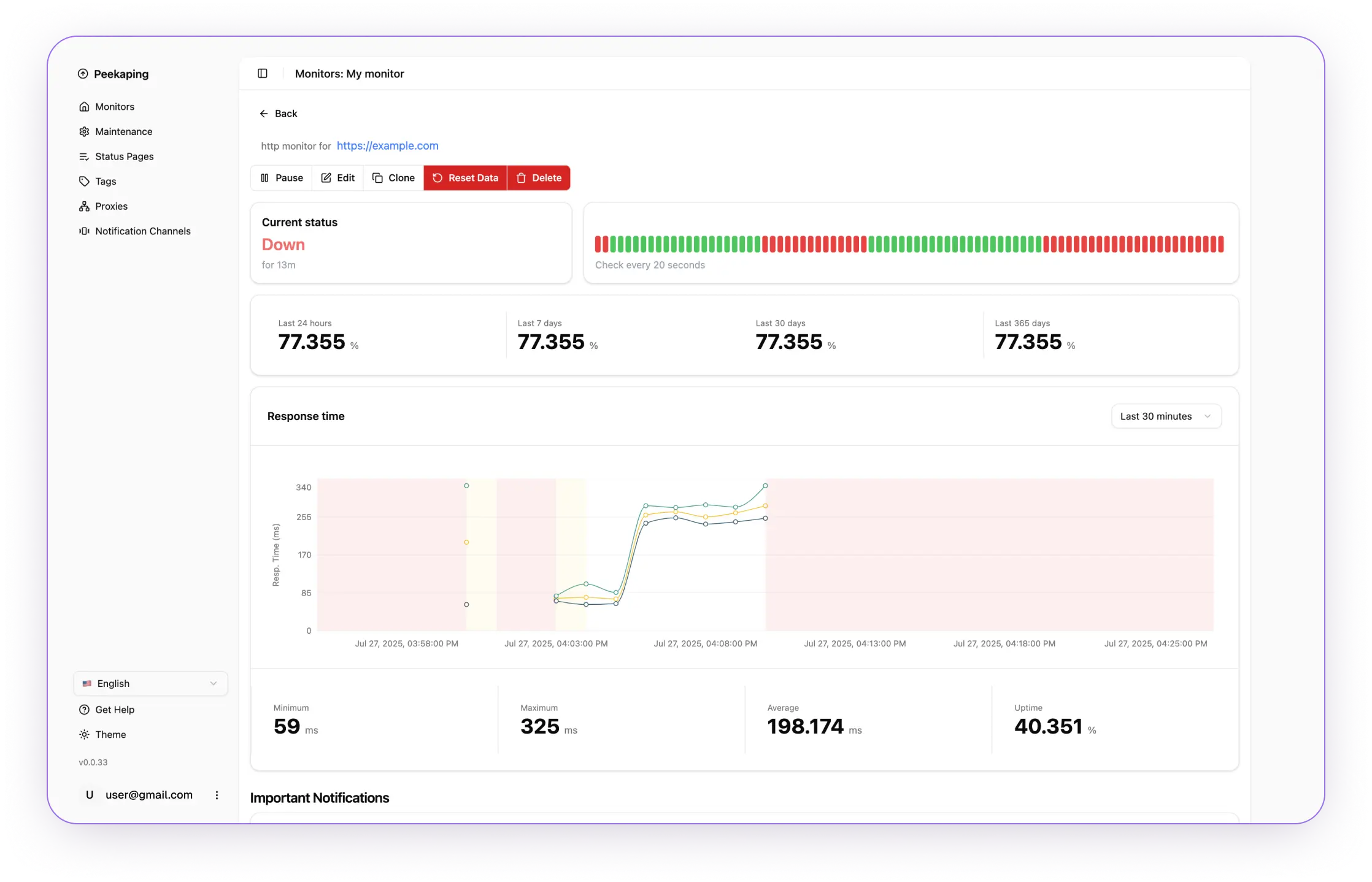
Live updates over WebSocket, interactive charts, 24-hour uptime, response times and heartbeat history.
Email (SMTP), Slack, Telegram, webhooks, Ntfy and PagerDuty. Retries before a monitor goes down, resend intervals, and alerts only when the status changes.
Public status pages you can brand with your own styling, to share service status with your users.
Maintenance windows, HTTP proxies, 2FA sign-in, and automatic cleanup of old heartbeat data.
Try Peekaping in the browser before you install it.
Architecture
Peekaping is built with modern technologies:
- Backend: Go with strong typing and dependency injection
- Frontend: React with TypeScript
- Database: SQLite or PostgreSQL for data persistence
- Real-time: a socket.io (WebSocket) connection that the server uses to push heartbeats for live updates
- API: RESTful API with OpenAPI documentation
- Deployment: single mode, one process with no Redis, is the default for new installs. Cluster mode, with separate API and probe processes (the API replicas talk through Redis, and the probes run the checks), is for installs that need to scale out, on Kubernetes with Helm or with Docker Compose. See Deployment modes
Why Peekaping?
Peekaping is designed as a modern alternative to Uptime Kuma, built with a focus on:
- Strongly Typed Architecture - Both Go backend and TypeScript frontend
- Extensibility - Modular design for easy feature additions
- Performance - Go's efficiency enables high performance with low resource usage
- Developer Experience - Clean code structure and comprehensive documentation
Community
- GitHub: 0xfurai/peekaping
- Issues: Report bugs and request features
- Discussions: Join the community discussions
- Twitter: @0xfurai for updates and tips
Ready to start monitoring? Try our live demo to see Peekaping in action.